

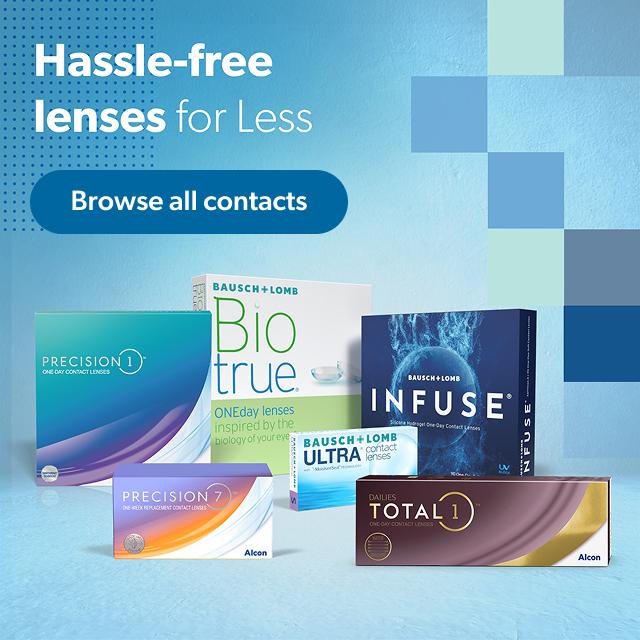
Featured Brands
Top brands, exclusive finds and everything in between.


Get your contacts in 3 easy steps.
Find your brand.
Do a quick search
Enter your prescription
Upload a pic of your prescription or enter the
info manually
Place your order.
Sit back and relax: once your prescription is
verified we'll ship your contacts for free.
Please note Barcode Scan capabilities may vary depending on your device type.
In case you face issues using the Barcode Scan feature, use the existing search functionality on the website to find your contact lenses.
Our system recognizes the standard UPC barcodes on the contacts lens boxes, QR codes are NOT supported.
You can order contacts in two convenient ways.
Absolutely. We will ship the order directly to your door.


